01 The Engine 02 FaceGate 03 Photos 04 The Studio 05 Run the night 06 Pricing
scan
Chapter 02 / 06 · FaceGate & the door

Walk in with just your face.

Guests enrol one selfie, with consent. At the door they simply walk up — the crew's tablet recognises them locally in about two seconds and the doors open. No phone at will-call, no queue. Think DigiYatra, for your event — and revocable the moment the celebration is over. It works the same at a wedding gate, a summit registration desk, an expo hall, a conference or a college fest.

Consent-first opt-in Matched on-device Face → QR → name
The gate, live

Two seconds at the door.

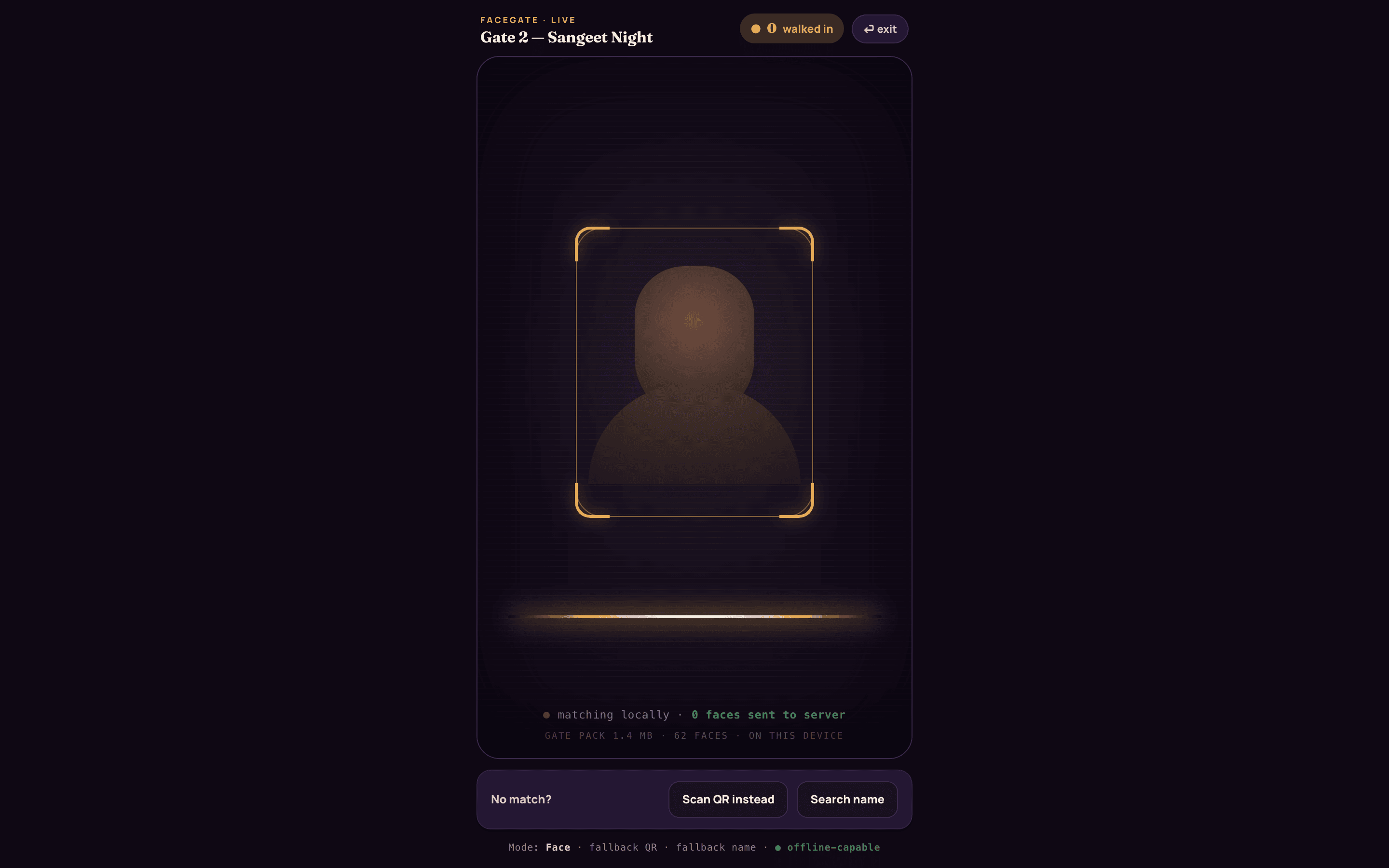
A guest walks up to Gate 2 and looks at the crew's tablet. It compares their face against the event's enrolled faces right there on the device — no signal needed — then greets them by name, with their table and pass number, and how many photos of them are already waiting.

  • Recognises each guest locally in about two seconds
  • Matched at the door on the gate device — your face isn't streamed anywhere at entry.
  • Works offline: a 1.4 MB gate pack holds the enrolled faces on the tablet
  • Every walk-in counted live, so the host can watch the room fill
app.studionity.com
FaceGate live scanner on the crew tablet: a face inside the viewfinder locks and a green welcome card names the guest — matched on the gate device, your face isn't streamed anywhere at entry
FaceGate live at Gate 2 — a local match, a green tick, a name.
Your face is your pass

One screen, for the guest.

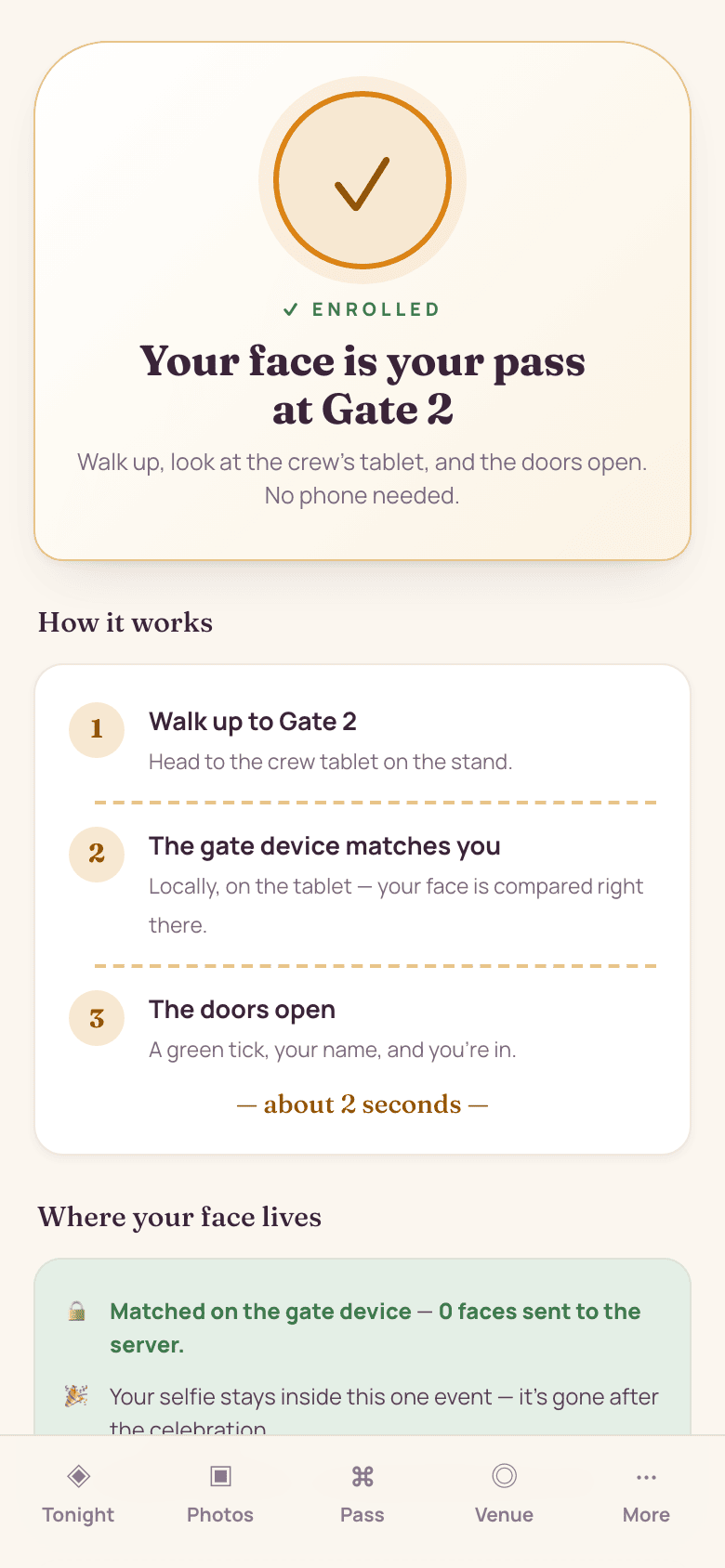
For a guest, FaceGate is a single card: opt in once at join, and that's it. No app to install, no wallet to fumble for at the door. And it's theirs to switch off — one tap turns face entry back into a plain QR pass, any time.

  • Walk up, look at the tablet, the doors open — no phone needed
  • A separate opt-in at join: the selfie plus a distinct FaceGate consent
  • Matched at the door on the gate device — your face isn't streamed anywhere at entry.
  • How it works: an encrypted gate pack (~1.4 MB of enrolled faces, this event only) sits on the crew's device and is wiped with the event
  • The selfie stays inside this one event. Your selfie and face data auto-delete 90 days after the event — hosts can set a shorter window — and you can delete them instantly any time from your gallery profile.
  • Revoke any time — one tap and face entry is off
Guest FaceGate explainer on a phone: 'Your face is your pass at Gate 2', a three-step how-it-works, and a trust panel — matched on the gate device, gone after the event, revocable any time
Enrolled ✓ — your face is your pass.
The entry ladder

Always a fallback. Never a locked-out guest.

Face first — but the gate never depends on a phone's battery or a signal bar. If a face doesn't match, the same station drops straight through to a QR pass, then to a name search. Every check-in queues offline and syncs the moment the gate is back online.

Face

A local match on the crew's tablet in about two seconds. Nothing leaves the device — your face isn't streamed anywhere at entry.

QR pass

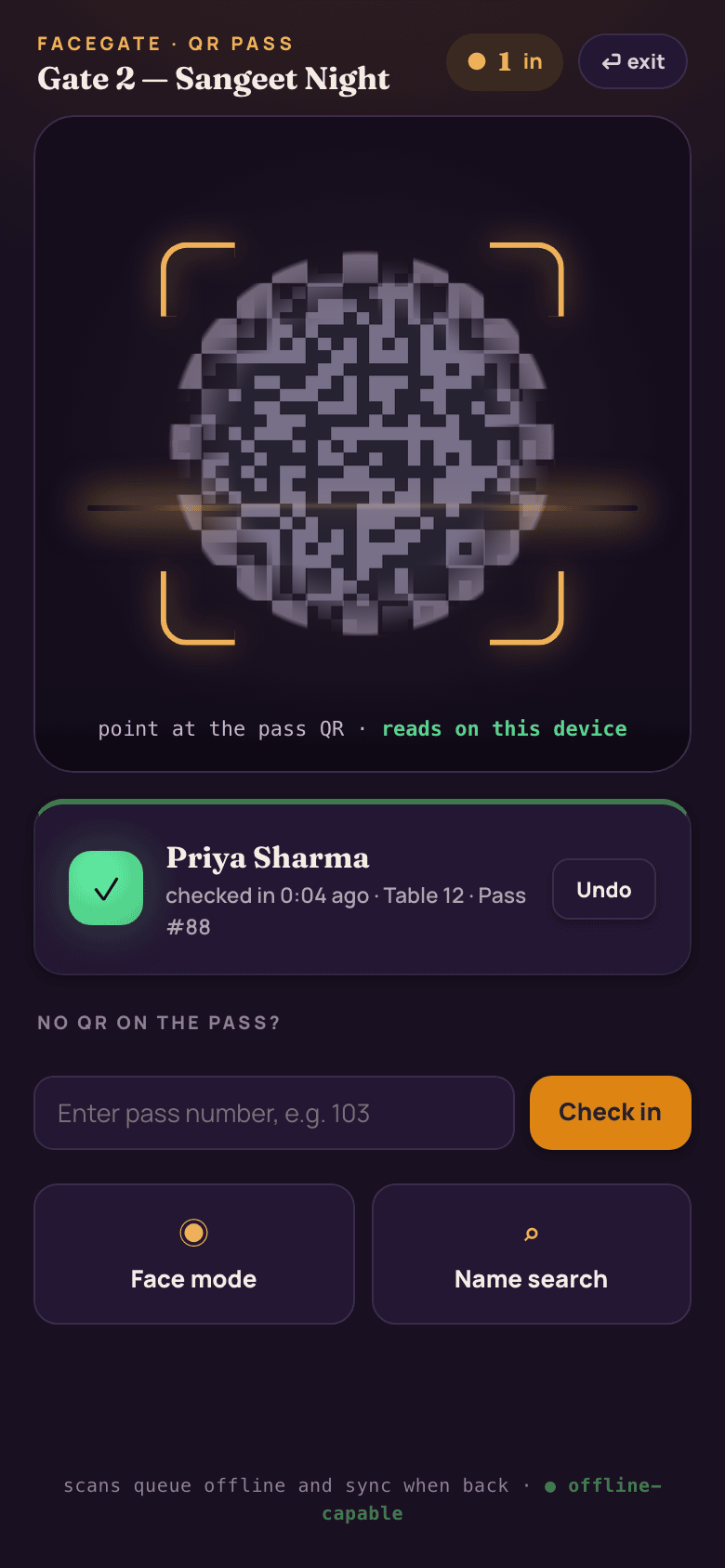
Point at the guest's QR ticket — it reads on-device and works with no signal. Or type the pass number by hand.

Name search

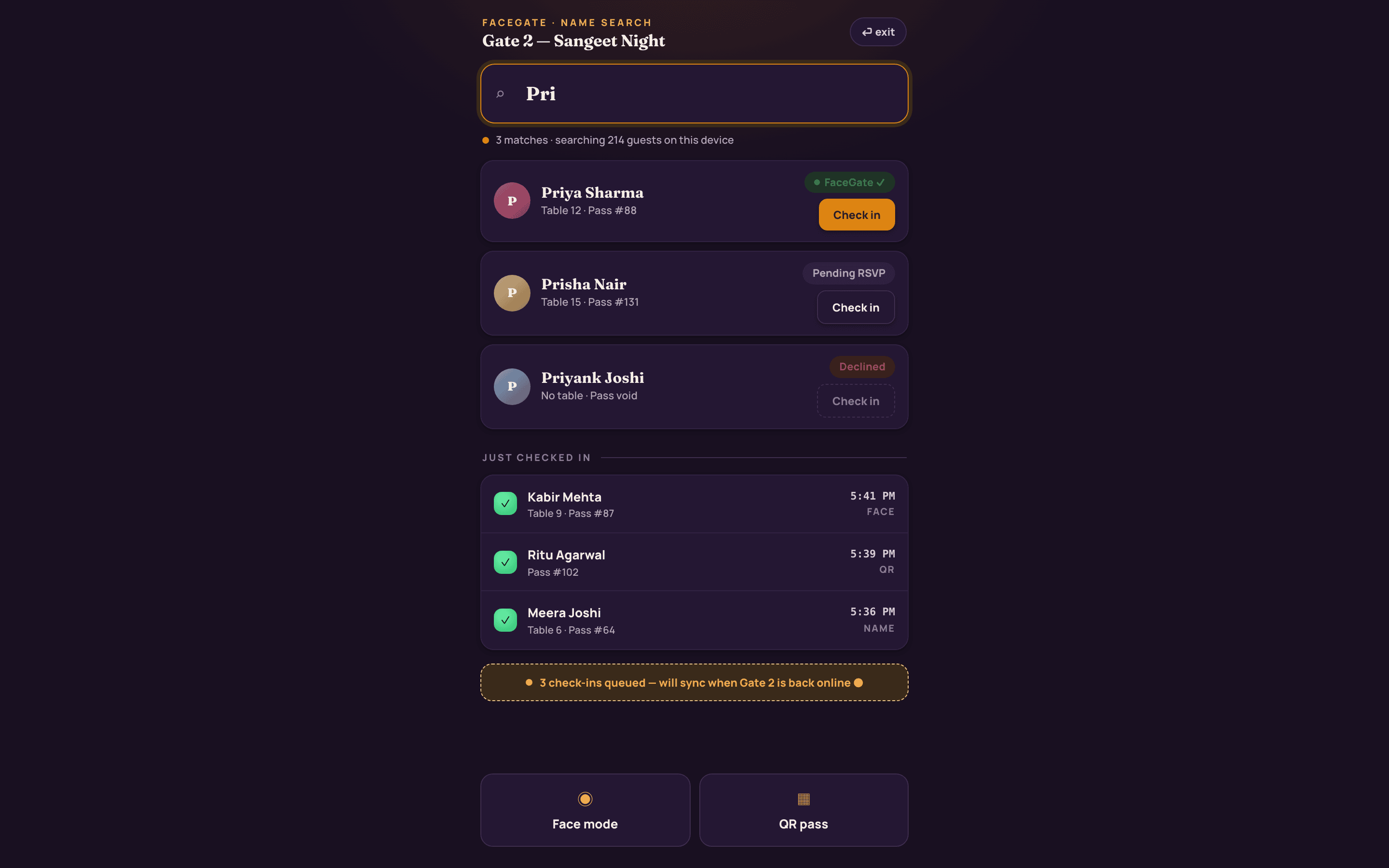
Search all of the event's guests right on the device, check in with a tap, and a pending RSVP is marked confirmed on the spot.

Gate QR check-in on a crew phone: point at the pass QR, it reads on this device, with face-mode and name-search fallbacks and offline queueing
QR mode — reads on-device, offline-capable.
app.studionity.com
Name-search check-in fallback at the gate: type a partial name, matches appear from the on-device guest list with FaceGate and RSVP status, and a 'just checked in' log by Face, QR or Name
Name search — the whole guest list, on the device, offline.
The pass

One pass, every door it should open.

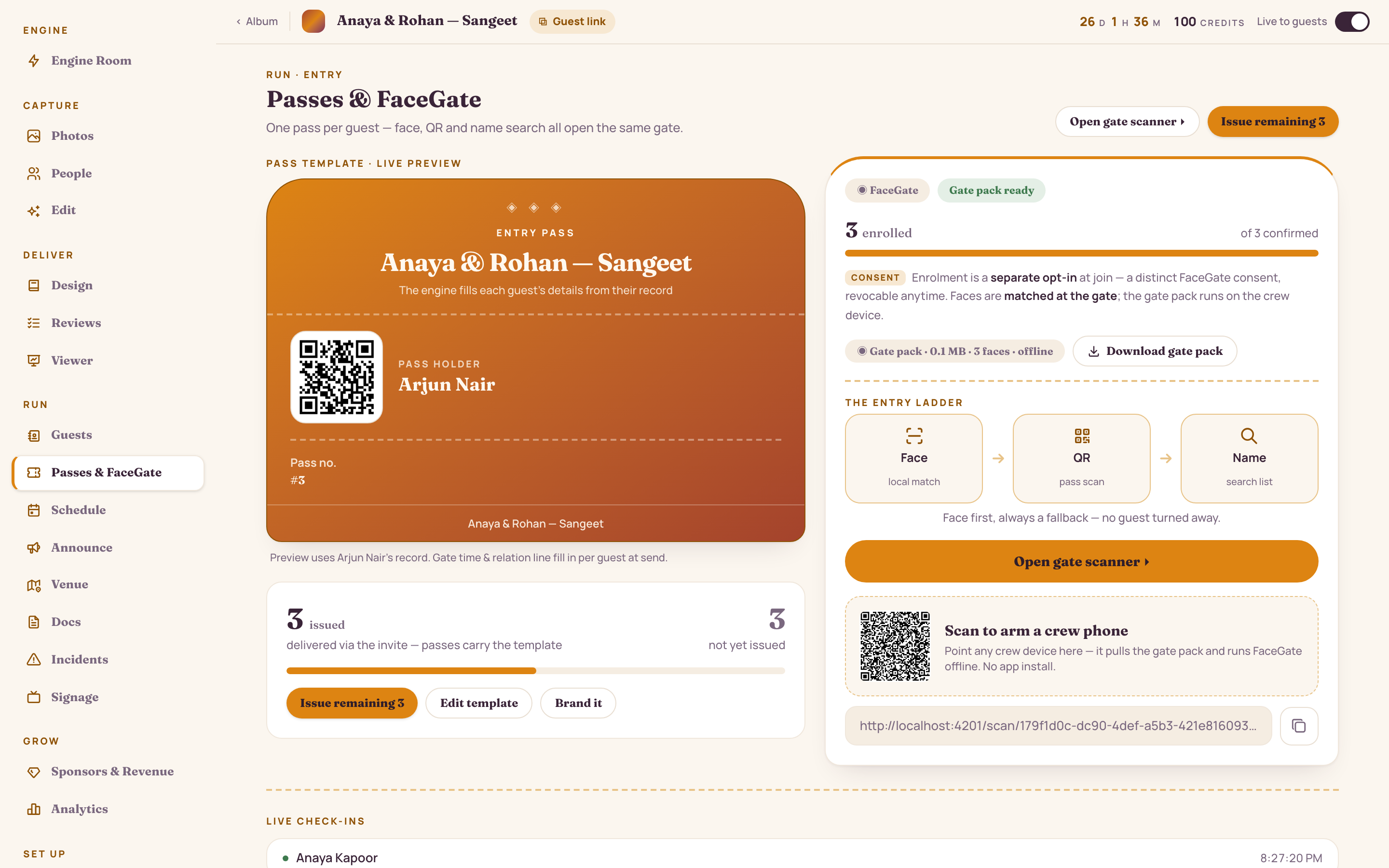
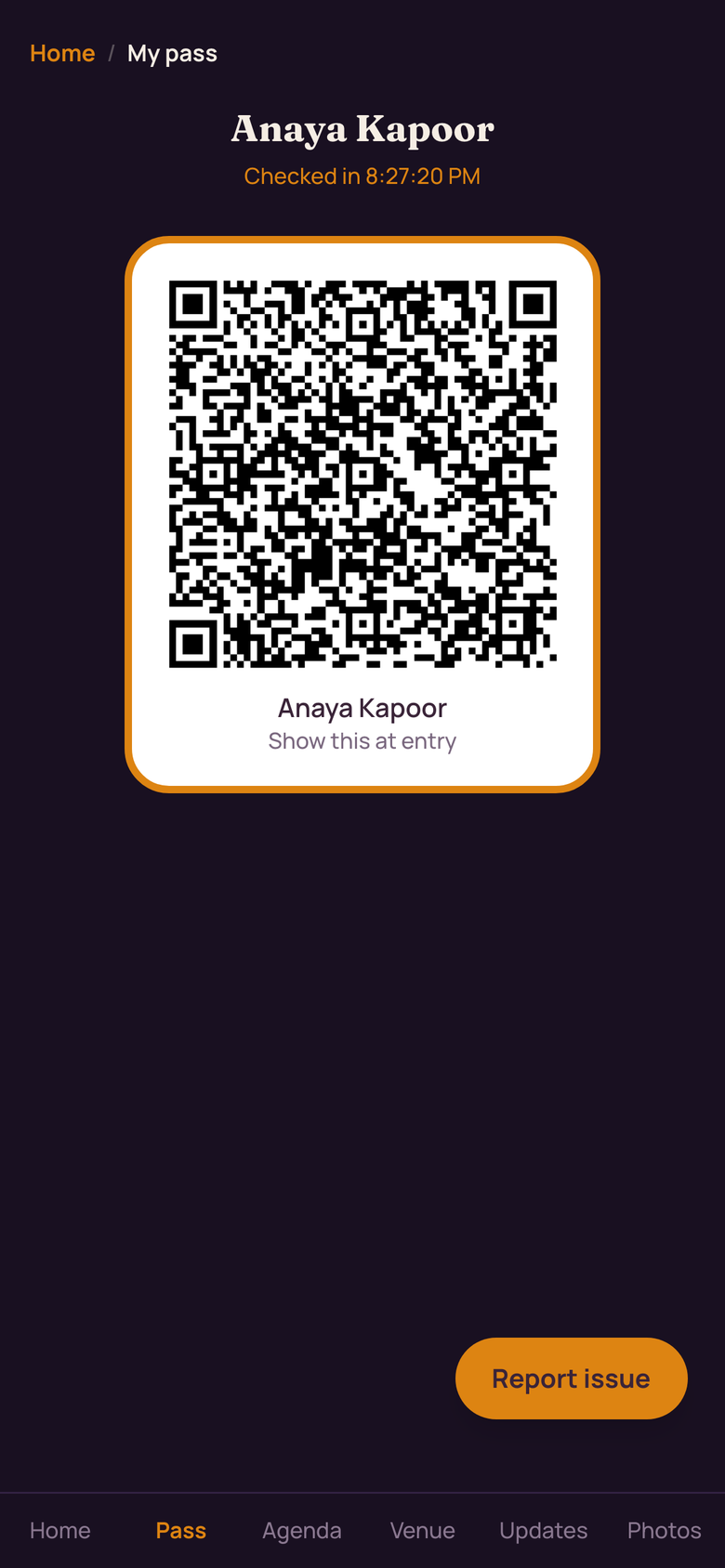
Design the pass once on the studio side; each guest's copy fills itself from their single guest record. It's category-aware — a VIP pass opens the VIP lounge, a crew pass opens back-of-house — and it reaches the guest the moment they RSVP yes.

app.studionity.com
Passes & FaceGate on the studio side: a live pass-template preview, issuance progress, the FaceGate enrolment count, the Face-QR-Name entry ladder and a QR to arm a crew phone with the offline gate pack
Studio side — design the pass, arm the gate.
Guest digital pass on a phone: event name, QR ticket, guest name and gate time, seat and dinner details, add to Apple or Google Wallet, and an 'or just walk in — your face is your pass' shortcut
Guest side — QR, Wallet, or just their face.

Category-aware access

VIP, family, crew, general — each pass opens only the zones its category is allowed. The gate knows who goes where.

Fills itself

Name, table, dinner, gate and entry time all pull from the one guest record. Edit it once and every pass updates.

Delivered on RSVP

Issued automatically on a yes — over WhatsApp, plus Apple & Google Wallet. Face, QR or name all open the same gate.

On the wall

The gate, up on the screens.

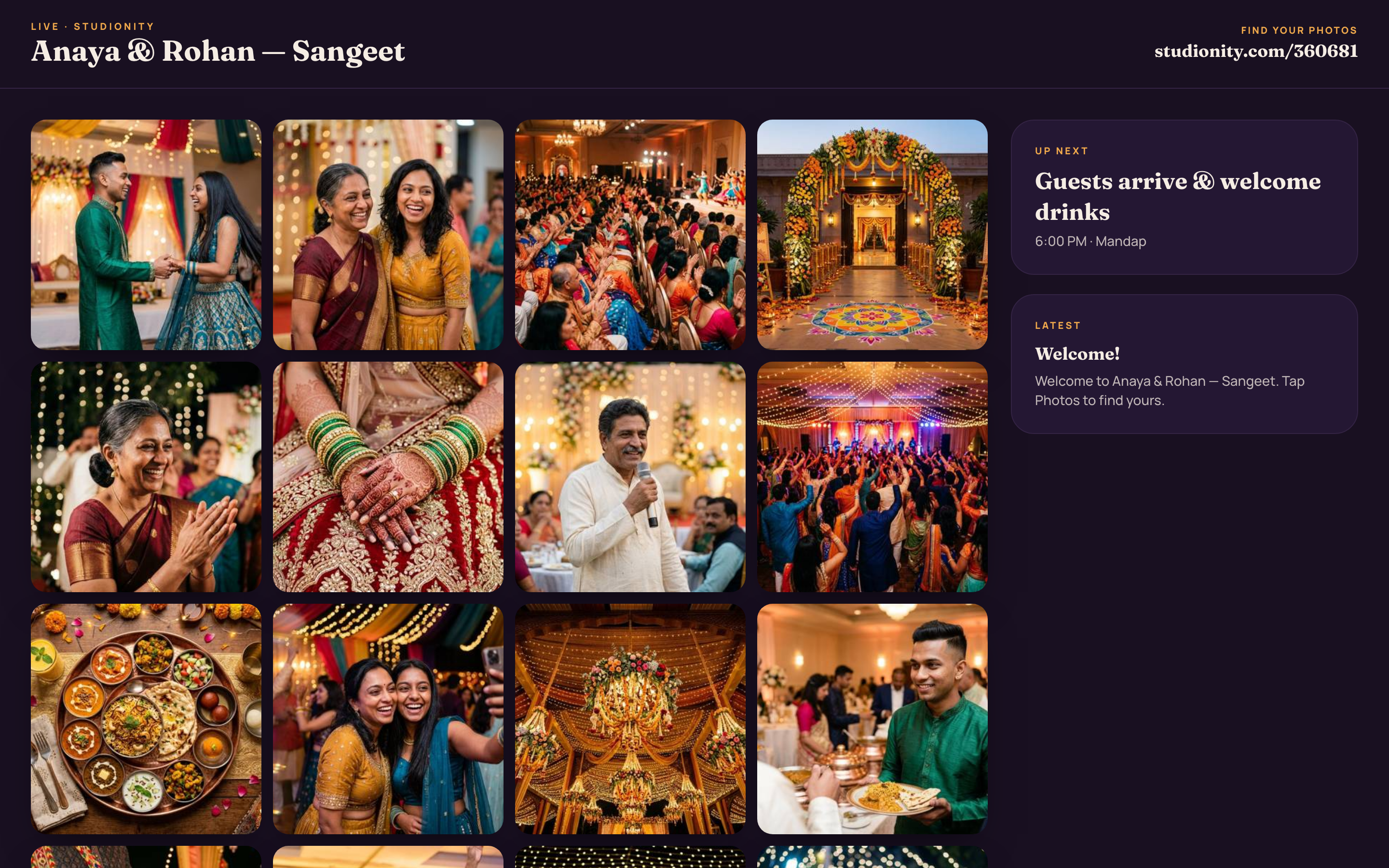
The same engine drives the venue screens — a live welcome loop at the gate, the foyer display, the seating and the schedule. Push a layout from the console and it appears on every paired TV.

app.studionity.com
Live venue signage on a big screen: a welcome layout with the event name and celebration artwork, pushed to a paired TV at the gate
Live venue signage — paired and pushed from the console.
Continue the tour · Chapter 02 / 06
Next: Photos that find you
← Previous: The Engine

See the door open by face.

The pilot is invite-only while we polish the engine with real celebrations. Tell us about your next event — wedding, summit, expo or fest — and we'll walk you through the gate, live.

Connect with us WhatsApp us
Invite-only pilot · Made in India